

Creating Your Own Solitaire Game: A Beginner’s Guide to Coding
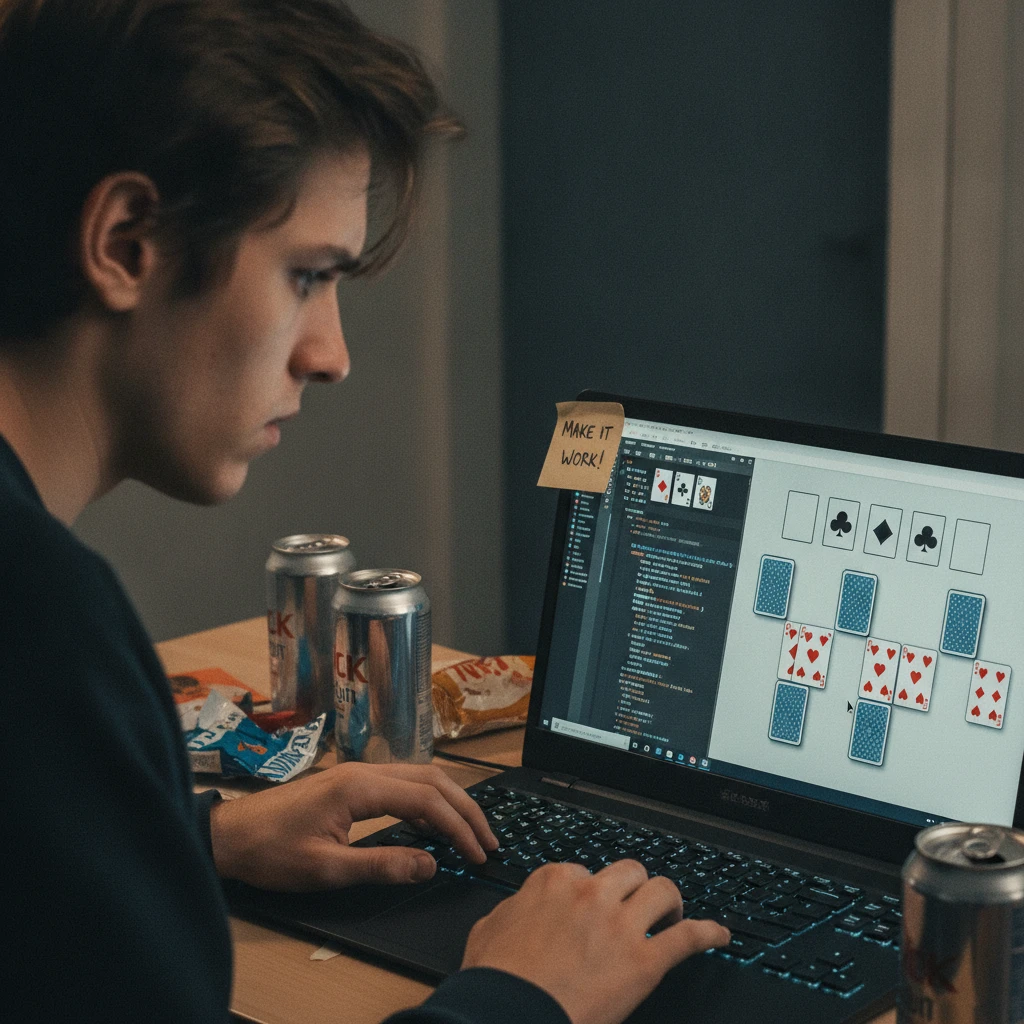
Building a solitaire game is a practical first project: the rules are familiar, the pieces are easy to represent, and each move gives you a clear way to test your code. Start with a small version of Klondike, separate its rules from its user interface, and make one playable feature work at a time.
You do not need polished graphics or every familiar option on day one. A simple game that shuffles and deals correctly, accepts legal moves, and recognizes a win is a solid first milestone.
Choose a Solitaire Version and Define the Rules
Choose one version of solitaire and write down its setup and legal moves before coding; classic Klondike is a manageable choice for beginners. A precise rule set prevents the game interface and the underlying logic from disagreeing.
For Klondike, a standard deck has 52 cards, with four suits and 13 ranks in each suit. The layout has seven tableau columns, a stock pile of undealt cards, a waste pile for drawn cards, and four foundation piles that build upward by suit from Ace to King.
Decide how the stock works before you begin. In a common draw-one version, the player turns over one stock card at a time to the waste. When the stock runs out, the player may recycle the waste back into it. Some versions allow only one pass; others allow unlimited passes. Choose one rule and keep it consistent.
Write your legal-move rules in plain language:
- On the tableau, place a card or descending face-up sequence on a card of the opposite color and one rank higher. For example, a black 8 can go on a red 9.
- Only a King, or a face-up sequence headed by a King, can fill an empty tableau column.
- Foundations build from Ace to King in the same suit.
- Only face-up cards can be moved. When a face-down card becomes exposed on the tableau, turn it face up.
These rules are the first version’s scope. Options such as draw-three, scoring, and alternative solitaire games can wait until the basic game behaves correctly.
Represent Cards and Piles in Code
Represent each card with a rank, suit, and face-up status, then store each pile as an ordered collection of cards. This simple model captures the solitaire game state without tying its rules to a particular screen design.
A card might be an object such as { rank: 8, suit: "spades", faceUp: true }. You can represent ranks with numbers from 1 to 13, where 1 is Ace and 13 is King. Store suits as values such as hearts, diamonds, clubs, and spades. A small helper function can identify whether a suit is red or black.
Give the tableau seven separate arrays, one for each column. Keep the stock, waste, and four foundations in their own arrays too. In most implementations, the last card in an array is the top card. State that convention in a comment and use it everywhere; inconsistent assumptions about the top of a pile can create hard-to-find bugs.
The whole game state can then be a structure containing those piles and any extra information, such as the number of stock passes. Keep rule checks in separate functions, for example canMoveToTableau(card, destinationTop) and canMoveToFoundation(card, foundation). A display function can read the state, while click or drag handlers ask the rules whether a proposed move is allowed.
This separation has a useful trade-off: it takes a little more planning than writing all the code inside a click handler, but it makes the game easier to test and lets you change the interface without rewriting the rules.
Shuffle, Deal, and Set Up the Game
Create all 52 cards, shuffle the deck, and deal seven tableau columns according to Klondike’s setup. Put the remaining cards face down in the stock, with no cards initially in the waste or foundations.
First, build the deck by combining every suit with every rank from Ace through King. Then shuffle the array using a proper random shuffle, such as the Fisher–Yates algorithm. It selects a random remaining card and swaps it into the current position, avoiding the bias that can come from sorting cards by random values.
Deal the tableau one column at a time. The first column gets one card, the second gets two, and so on through seven cards in the final column. In each column, turn only the last card face up. This uses 28 cards; the other 24 make up the stock.
A clean setup routine follows this sequence:
- Create and shuffle a fresh deck.
- Clear every pile and reset counters.
- Deal cards to the seven tableau columns, turning up only each column’s top card.
- Place the remaining cards in the stock face down.
- Render the initial game state.
Keeping setup in one function makes it easier to start a new game and to verify that all 52 cards appear exactly once. For debugging, temporarily use a fixed deck order. Random deals are useful for play, but they make a broken setup harder to reproduce.
Implement Legal Moves and Game Rules
Check every proposed move against the rules before changing the game state. A move is legal only when its source contains the selected card and its destination accepts that card or sequence.
For a tableau move, find the selected card in its column and check that it is face up. The selected card and every card after it must form a descending, alternating-color sequence. Then check the destination: an empty column accepts a King-led sequence, while a non-empty column accepts a sequence whose first card is one rank lower and the opposite color from the destination’s top card.
For a foundation move, allow only one face-up card at a time. An empty foundation accepts an Ace; otherwise, the card must match the foundation’s suit and have a rank exactly one higher than its top card. Check the stock and waste separately: drawing moves a card from stock to waste, while recycling moves waste cards back to stock according to the chosen rules.
Once a move passes validation, update the source and destination piles. If the move reveals a face-down tableau card, turn it face up. Then check whether all four foundations contain 13 cards. That is a clear win condition for a basic Klondike game.
A reliable pattern is validate, update, render. Do not partly move cards and then discover that the destination was invalid. You can later extend this pattern with a move history for undo, but save that extra state only after the core transitions work.
Build a Simple Interface
Build a user interface that shows every pile clearly and makes the current game state easy to understand. For an early version, simple card rectangles and text labels are enough to test play.
Arrange the stock and waste near the top, the four foundation piles beside them, and the seven tableau columns below. Show a card’s rank and suit when it is face up; use a consistent back design for face-down cards. A blank outline can mark an empty pile and help players see where a King can move.
Choose one interaction method first. Clicking a card and then a destination is often simpler to implement than drag and drop: record the selected pile and card, then validate the player’s next click as a move. Give selected cards a visible outline, and show a brief message when a move is rejected. Once this works, drag-and-drop can be added as a convenience.
Keep display code separate from game rules. The interface should request a move, receive a result, and redraw from the updated state. That arrangement also makes a text-based test possible without opening the visual game.
Test, Debug, and Add Improvements
Test the setup, common moves, and edge cases before adding features. A few deliberate checks can catch problems that casual play may miss.
Start with a fresh deal and confirm that there are 52 unique cards, seven tableau columns with the right number of cards, and one face-up card at the top of each column. Then test a legal tableau move, an illegal same-color move, a King moving to an empty column, an Ace moving to an empty foundation, and a card that should be rejected from a foundation.
Also test stock exhaustion and recycling, moving a face-up sequence, and revealing a face-down card. If you find a bug, record the pile contents and reproduce that exact state. A small test helper that creates a known game state is often more useful than repeatedly hoping a random deal produces the same problem.
Common mistakes include mixing rule checks with click-handling code, forgetting to reveal a card after a move, and treating the first array element as the top in one function and the last in another. Fix these by keeping pile conventions explicit, centralizing move validation, and testing each state change independently.
After the basic game is stable, consider adding undo, move counts, a timer, keyboard controls, animations, or a draw-three option. Each feature increases the amount of state or behavior you must test, so add one at a time. A modest, reliable Klondike game is a better foundation than a feature-rich version with inconsistent rules.
Frequently Asked Questions
Beginners can make solitaire easier to code by choosing a small rule set and using one consistent model for cards and piles. These answers cover practical choices for a first version.
Which solitaire version is easiest to code?
Klondike is a good beginner choice because its deck, tableau, stock, waste, and foundations are familiar and its core moves are easy to describe. Start with draw-one and a single clear recycling rule rather than implementing several variants at once.
What programming language should a beginner use?
Use a language you already know, or choose JavaScript if you want to build a game that runs in a web browser. Python is also suitable for practicing the game logic, though you will need a separate library or framework for a graphical interface.
How should cards and piles be represented?
Represent a card with rank, suit, and face-up status. Use arrays or lists for the tableau columns, stock, waste, and foundations, and decide consistently which end of each array represents the top card.
How can I test whether moves are legal?
Put each rule in a function that accepts a proposed source and destination and returns whether the move is allowed. Test the function with known examples, including both valid and invalid moves, before connecting it to the user interface.