

The Evolution of Microsoft Solitaire: A Digital Legacy
For many people, Microsoft Solitaire was among the first games they played on a computer. Its familiar cards and simple rules made it easy to start, while the act of moving cards across a screen offered a gentle introduction to using a mouse. Over time, the Windows game changed with its platform, eventually becoming part of the Microsoft Solitaire Collection and finding new life on touchscreens and online.
Before Microsoft Solitaire: The Roots of a Classic Card Game
Microsoft Solitaire began with Klondike, a well-established form of solitaire played with a standard deck of cards. The computer version brought that familiar solo pastime from the table to the screen; Microsoft did not invent the underlying card game.
Klondike’s appeal is straightforward: one player arranges cards into sequences and suits, relying on a mix of planning and chance. Its clear visual layout translated naturally to early computer displays. A digital deck could be shuffled and dealt instantly, and the computer could handle card movement and game state without requiring a physical table.
That transition also changed the experience. A computer version could be available whenever the device was on, with no cards to gather or pack away. The rules stayed recognizable, but the screen became the playing surface. This combination of familiar play and a new interface set the stage for Solitaire’s place in Windows.
Solitaire Arrives on Windows
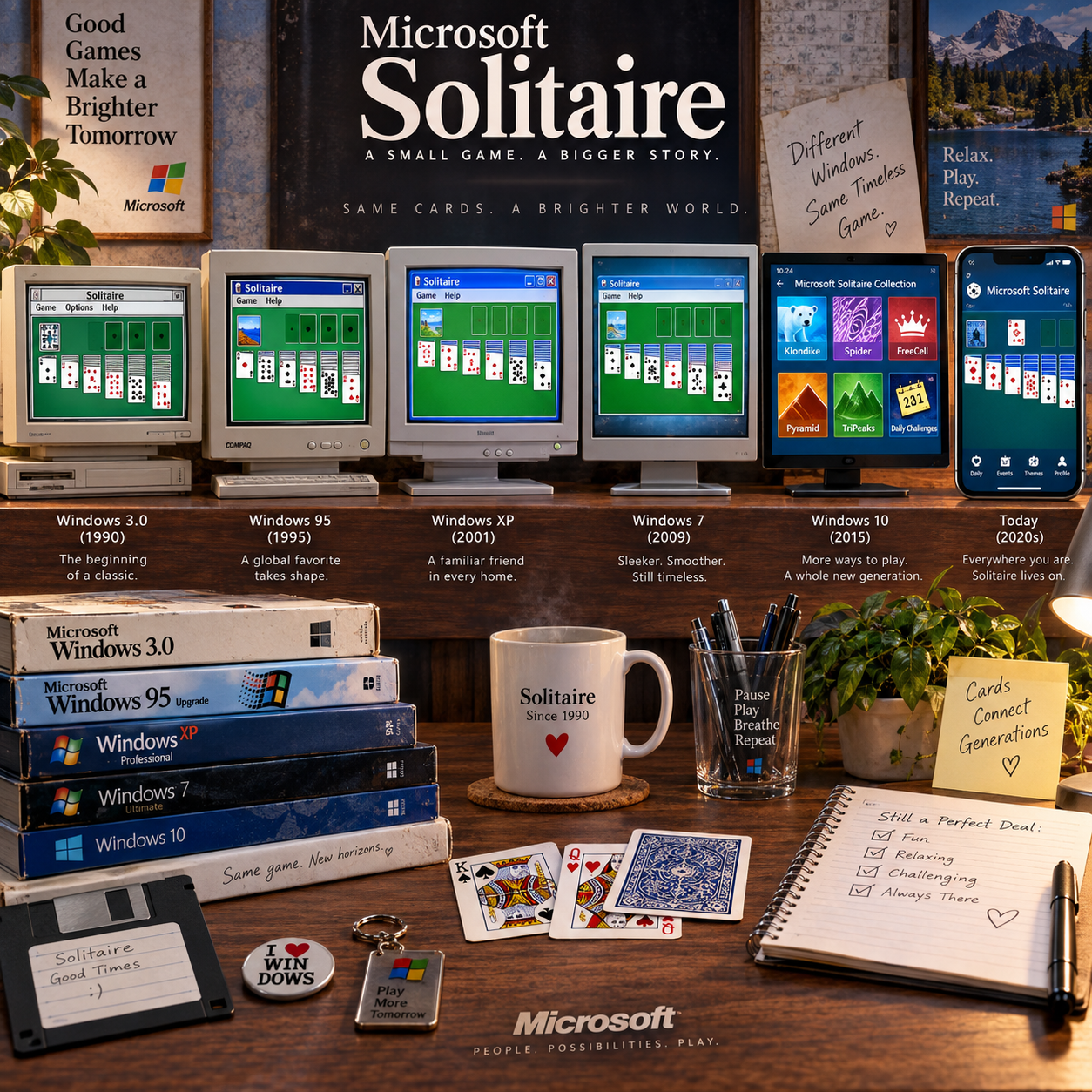
Microsoft Solitaire first appeared with Windows 3.0, released in 1990. Its inclusion gave computer users a built-in way to play Klondike, helping make a classic card game part of the everyday Windows experience.
Before its Windows debut, Microsoft had published games in the Microsoft Entertainment Pack, a collection of titles for earlier versions of the operating system. Solitaire’s arrival as part of Windows 3.0 made it easier to find and launch. Users did not need to buy a separate deck or install a dedicated game before they could play.
As Windows developed, Solitaire became a familiar feature across successive versions. Its graphics and interface changed along with the operating system, but the basic format remained easy to recognize: a tableau of cards, a stock pile, and a clear goal. That continuity mattered. People could move to a newer computer and still know what to do when they opened the game.
Solitaire was also an example of software that made a personal computer feel useful for small, everyday moments, not only for work. Its presence helped give Windows a friendly, approachable side.
More Than a Game: Learning to Use a Mouse
Solitaire gave users a low-pressure way to practice mouse control, especially dragging and dropping. Players moved a card by pointing, clicking, holding, and releasing, repeating the same action as they worked through a game.
Those movements map closely to basic desktop skills. A player learned to position the pointer precisely, recognize clickable objects, and understand that an item could be moved from one place to another. Because the task had a clear visual result, each successful move reinforced the connection between a hand movement and an action on screen.
Solitaire was not a formal computer-training course, and not every user needed it to learn a mouse. Still, the game made practice feel like play rather than instruction. A missed click or mistaken move usually carried little consequence, so new users could experiment without worrying about changing an important document.
This small interaction reflects a broader shift in digital literacy. Computers became easier to approach when users could learn through familiar, visible tasks. Solitaire helped bridge the gap between a new interface and an old pastime.
From Built-In Feature to Evolving Collection
Microsoft Solitaire evolved from a single Windows game into a broader collection of card games and features. Later editions added variety and refreshed the presentation while keeping Klondike available for players who wanted the original experience.
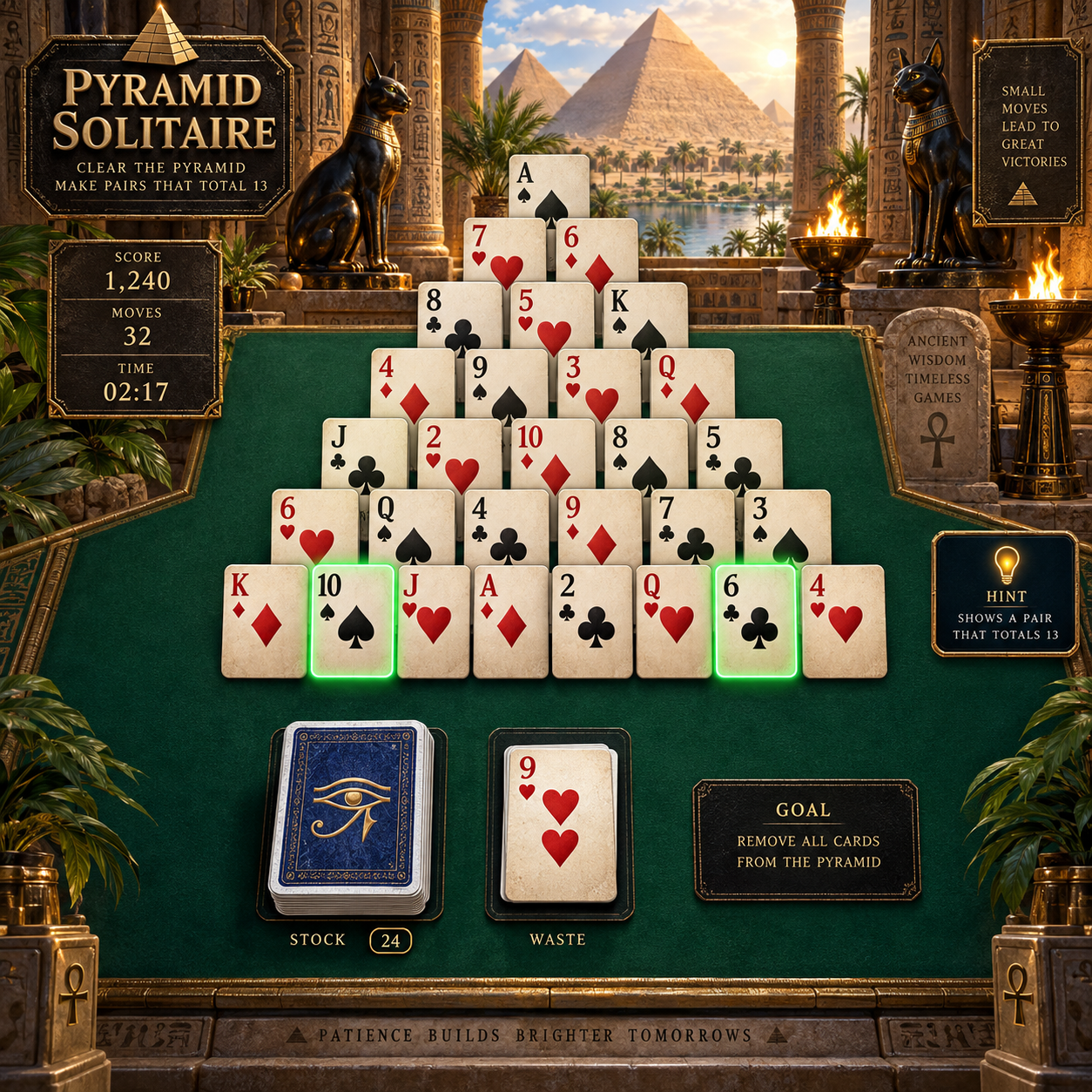
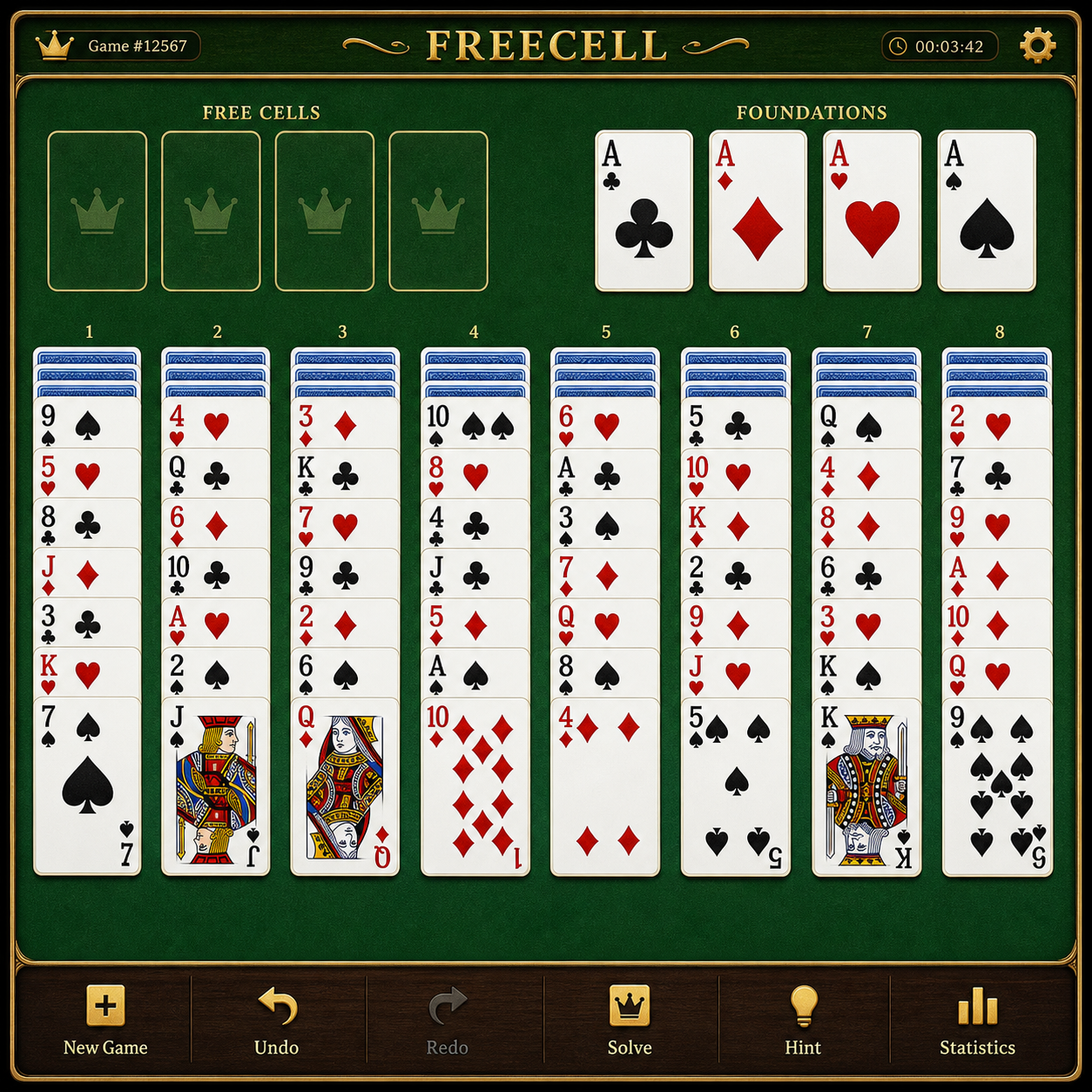
Across Windows versions, the game’s appearance and accessibility changed with the system around it. New graphics replaced older ones, and later releases offered more ways to play. In Windows 8, Microsoft introduced the Microsoft Solitaire Collection, bringing Klondike together with other familiar games, including Spider and FreeCell. The collection also added options such as daily challenges and themed events, depending on the edition and platform.
The shift brought a trade-off. A collection can offer more variety and modern features, but it may feel less like a small, quiet utility built directly into the operating system. Some versions have also included ads or optional paid features. Those additions support a contemporary digital service model, while the original appeal remains the quick, familiar game.
For players, the important distinction is that Klondike remains at the heart of Microsoft Solitaire, even as the surrounding product has grown. New modes invite experimentation; the classic layout offers a familiar place to return.
Solitaire in the Era of Mobile and Online Play
Touchscreens changed Microsoft Solitaire by replacing pointer control with direct interaction. Players can tap a card or drag it with a finger, carrying the familiar game from a Windows desktop to phones and tablets.
That change suits the game’s simple visual structure. Cards are large, distinct objects, and a short session can fit into a spare moment. Mobile editions and online access also mean that players are no longer tied to a computer running a particular Windows version. Availability and features can vary by device, region, and current Microsoft offering, so the experience is not identical everywhere.
Digital platforms add conveniences such as saved progress, challenges, and selectable themes. They can also introduce interruptions, account requirements, or advertising, depending on the version. A touchscreen makes moving cards feel direct, but smaller displays may leave less room for the full layout than a desktop monitor.
The broader change is clear: casual gaming now spans computers, phones, and tablets. Microsoft Solitaire adapted because its core play works across these devices, while its interface and extras could change around it.
Why Microsoft Solitaire Still Matters
Microsoft Solitaire still matters because it connects familiar card play with the history of personal computing. Its accessibility, simple controls, and presence across Windows generations made it a recognizable part of everyday digital life.
Its legacy is not that it created casual gaming or single-handedly taught a generation to use computers. Rather, it shows how a modest piece of software can make a new technology less intimidating. A game of Klondike offered a reason to explore the mouse, menus, and screen-based interaction at a comfortable pace.
Solitaire also illustrates what helps a digital classic last: a stable core experience, a low barrier to entry, and enough flexibility to work on new devices. The Microsoft Solitaire Collection preserves that recognizable center while adding other games and modern options. Those additions will appeal to some players more than others, but they keep the experience adaptable.
For longtime Windows users, a familiar card layout can bring back memories of early computer use. For newer players, it is simply an easy game to open and understand. Both reactions are part of its digital legacy.
Frequently Asked Questions
These answers summarize Microsoft Solitaire’s Windows history and its current form. Availability and features can differ across devices and editions.
Which version of Windows first included Microsoft Solitaire?
Microsoft Solitaire first came with Windows 3.0, released in 1990. Microsoft had previously distributed games through the Microsoft Entertainment Pack, but Windows 3.0 brought Solitaire into the operating system itself.
Was Solitaire designed to teach users how to use a mouse?
Solitaire was designed as a game, but its drag-and-drop card movement gave users a practical way to become familiar with mouse control. It was an approachable exercise in pointer movement, clicking, and dragging, rather than a formal training program.
What is the Microsoft Solitaire Collection?
The Microsoft Solitaire Collection is a digital collection of card games that includes Klondike Solitaire and other variants, such as Spider and FreeCell. Depending on the edition, it may also offer challenges, themes, or other features.
Is Microsoft Solitaire still available today?
Yes. Microsoft Solitaire remains available through the Microsoft Solitaire Collection on supported platforms. Check the relevant app store or Microsoft’s official product information for current device compatibility and features.